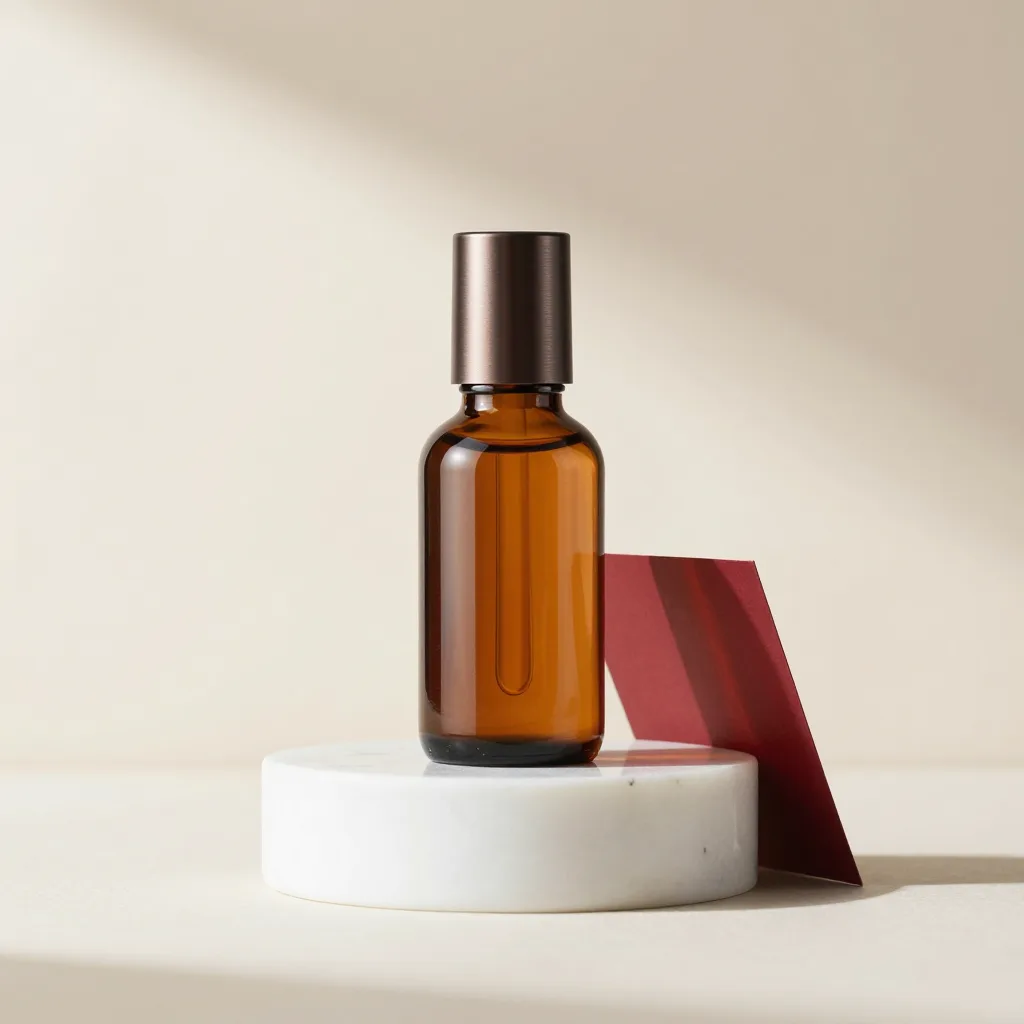
Editorial product packshot photograph. A single amber glass serum bottle with a brushed dark metal cap stands centered on a polished white marble pedestal, on a seamless warm off-white studio background. Soft directional light from the upper left casts one long soft shadow to the right; a thin oxblood-red paper card leans behind the pedestal as a subtle accent. Premium skincare advertising style, crisp focus, gentle reflections on the glass.
Flux 3 AI Image Generator
Type what you want to see. Flux 3 turns short prompts into detailed images — portraits, product shots, posters, and more.
Flux 3
Prompts in, images out
Each card pairs an example image with its full prompt. Hover to read it, copy it, or send it to the generator.
Flux 3
Why Flux 3 Image
The details that make this generator easier to work with than a bare prompt box.
Built-in prompt library
Browse tested prompts inside the generator and load one into the prompt box with a click — a few free unlocks are included before you subscribe.
Reference photos
Attach your own product or style photo to the same prompt box and Flux 3 uses it to steer the render — no separate upload flow.
A queue, not a wait
Line up the next variation while a render is still running instead of blocking on one job at a time.
Works in ten languages
The generator, prompt library, pricing, and guides are all localized — write prompts and read the interface in your language.
Flux 3
How to use Flux 3
From idea to image in three moves.
- 01
Describe the image
Write a prompt in everyday language — a subject, a setting, light, and a mood are enough for a first draft.
- 02
Generate
Open the generator and press Generate. Attach a reference photo or pull a prompt from the library if you want a head start.
- 03
Refine and save
Adjust the wording, switch the aspect ratio, or queue a variation — then download the image when it lands.
Flux 3
Where Flux 3 helps
Five jobs Flux 3 Image is built for.
Product shots
Packshots, hero images, and listing photos without booking a studio.
Posters with readable headlines
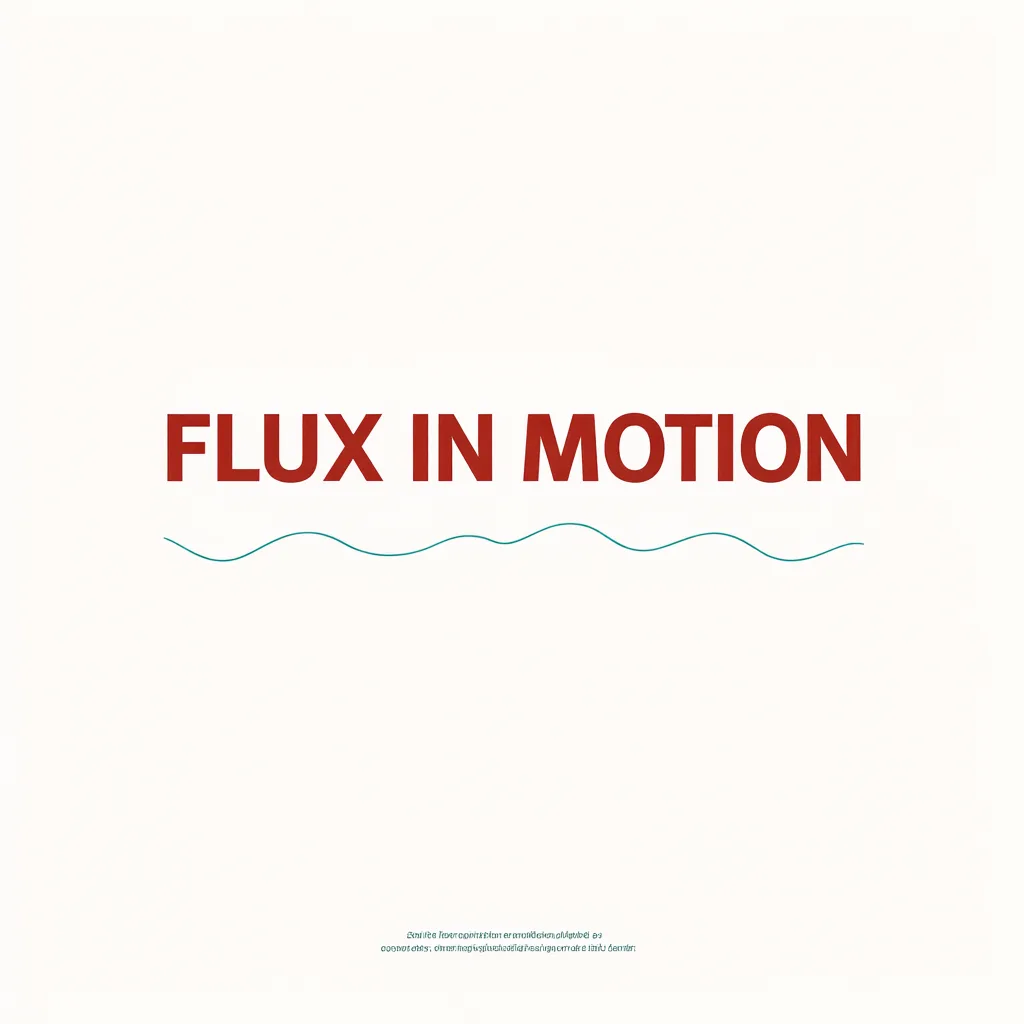
Short quoted text renders cleanly — event posters, covers, and title cards.
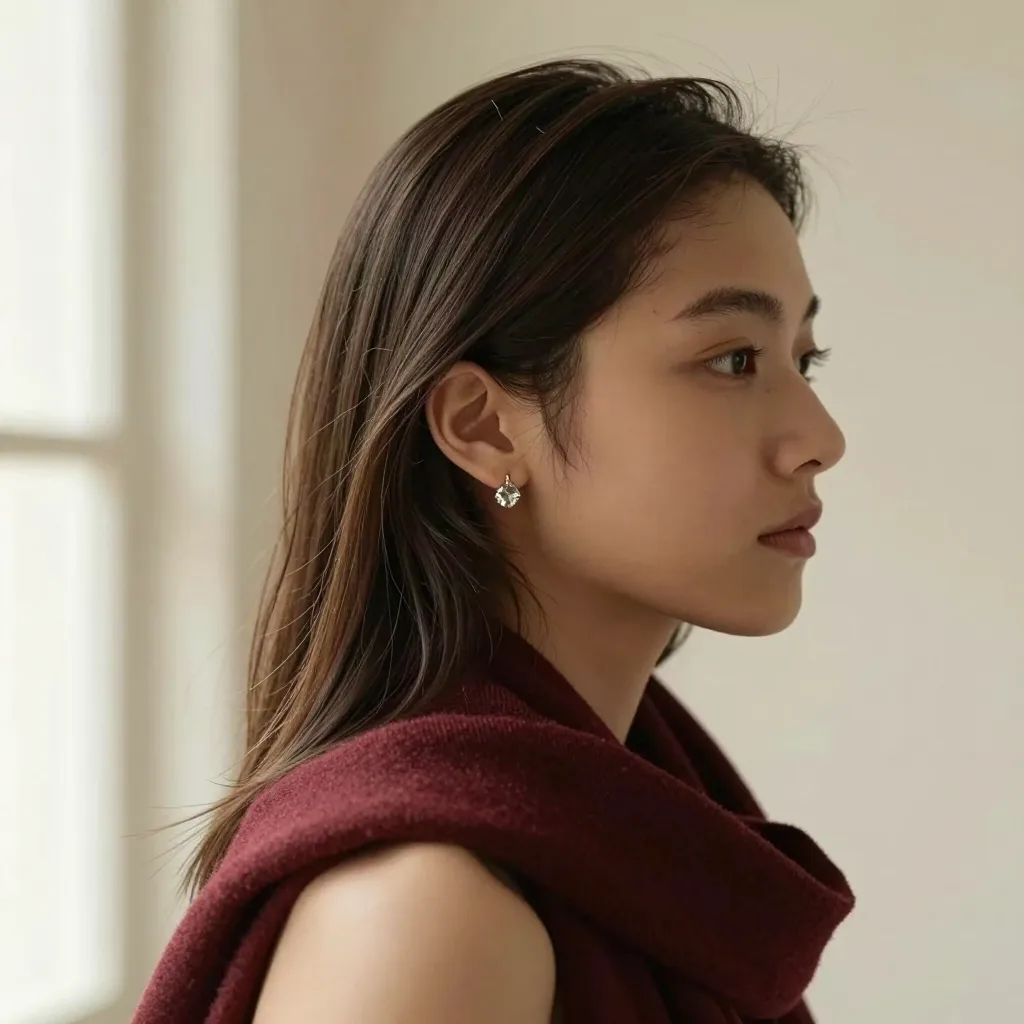
Editorial portraits
Character studies and editorial-style portraits with controlled light and mood.
Ad and social variants
Spin a product render into fresh crops and background treatments for every channel.
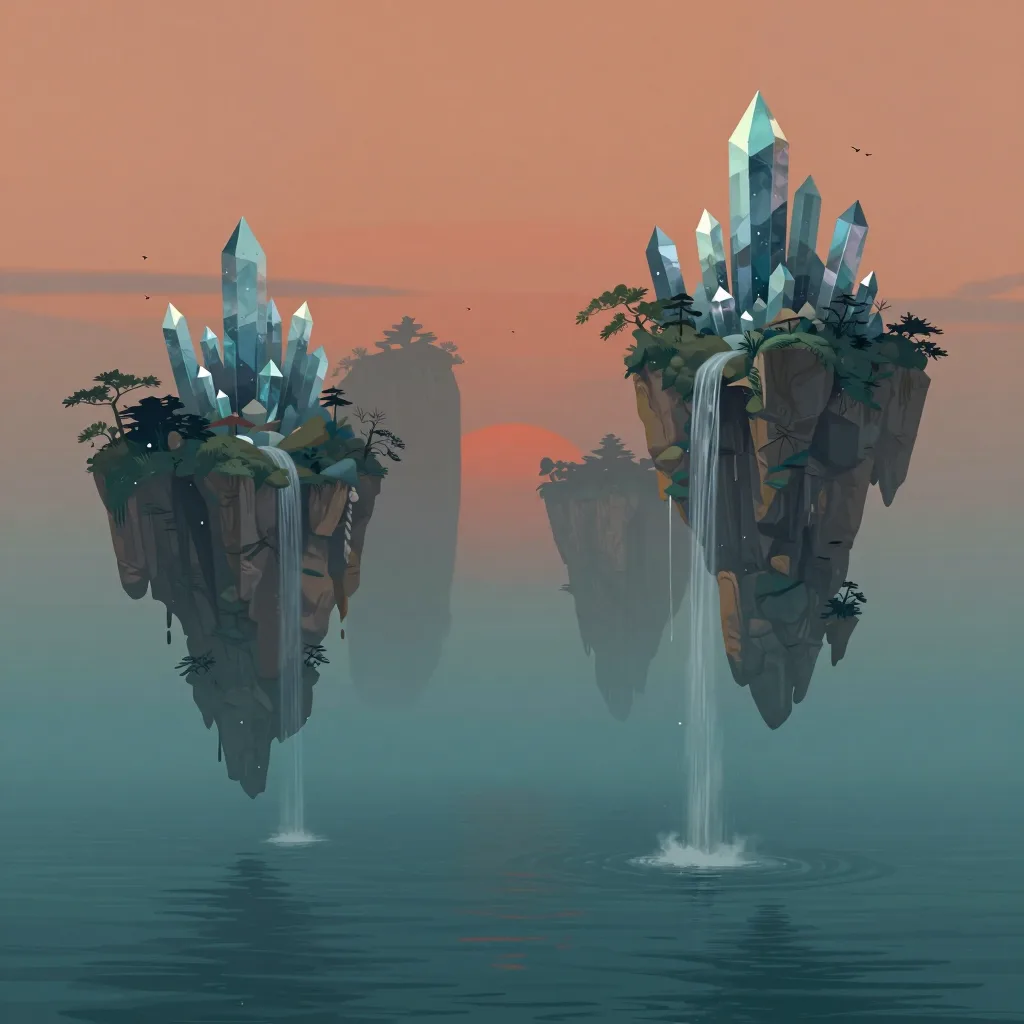
Concept art
Landscapes, characters, and mood frames to explore a direction before committing.
Flux 3
Flux 3 FAQ
Answers before you open the generator.
What is Flux 3?
Flux 3 is Black Forest Labs' multimodal model family, announced in July 2026; its image model, FLUX 3 Image, began rolling out in October 2026. On Flux 3 Image you generate still images in the browser: describe a scene and get an image back.
What is the difference between FLUX 3 Image and FLUX 3 Image Klein?
FLUX 3 Image is the flagship image model of the FLUX 3 generation. FLUX 3 Image Klein, released on 15 October 2026, is its small open-weight member: a 5.6B image transformer with a Qwen3-VL-4B-Instruct text encoder, where one model both generates from text and edits images. Klein officially supports up to 10 reference images and bounding boxes on an 0–1000 grid; the distilled build runs 16 steps without guidance, the base build 50 steps at guidance 3.5, under the FLUX Kommunity License (source: Black Forest Labs model card and launch post). This site generates with FLUX 3 Image.
Can I try Flux 3 for free?
Yes. Signing up adds free starter credits, enough for a first few images. Paid plans add more credits and priority processing.
Can Flux 3 put readable text in an image?
Short headlines and labels work best. Put the exact wording in quotes in your prompt and check the spelling before you publish.
Can I upload a reference photo?
Yes. Attach a product, person, or style photo to the prompt box and Flux 3 uses it to steer the render.
Can I use the images commercially?
Commercial usage is covered on paid plans — see the Terms for the details.
Can I download Flux 3 or run it locally?
Black Forest Labs has announced plans for an open-weight Flux 3 Dev release. Flux 3 Image runs entirely in the browser — nothing to install.
Does Flux 3 make videos?
A FLUX 3 Video model exists at Black Forest Labs; this site focuses on still images.
How do I write a better Flux 3 prompt?
Lead with the subject, then setting, light, and lens or medium. Put any visible text in quotes. The prompts page and the guide show working examples.
What happens if a generation fails?
If a generation fails, the credits for that attempt are returned to your balance automatically.
Flux 3
Pricing
Start free, then pick a plan that matches how much you create.
Make your first Flux 3 image
One prompt is all it takes. Open the generator and see what it comes back with.