


Editorial product packshot photograph. A single amber glass serum bottle with a brushed dark metal cap stands centered on a polished white marble pedestal, on a seamless warm off-white studio background. Soft directional light from the upper left casts one long soft shadow to the right; a thin oxblood-red paper card leans behind the pedestal as a subtle accent. Premium skincare advertising style, crisp focus, gentle reflections on the glass.
Générateur d'images IA Flux 3
Décrivez ce que vous voulez voir. Flux 3 transforme de courts prompts en images détaillées — portraits, packshots, affiches et plus.
Flux 3
Un prompt, une image
Chaque carte associe un exemple d'image à son prompt complet. Survolez pour le lire, le copier ou l'envoyer au générateur.
Flux 3
Pourquoi Flux 3 Image
Les détails qui rendent ce générateur plus agréable qu'un simple champ de prompt.
Bibliothèque de prompts intégrée
Parcourez des prompts testés dans le générateur et chargez-en un dans le champ en un clic — quelques déblocages gratuits sont inclus avant l'abonnement.
Photos de référence
Joignez votre photo de produit ou de style au même champ de prompt : Flux 3 s'en sert pour guider le rendu, sans flux d'upload séparé.
Une file, pas une attente
Mettez la variante suivante en file pendant qu'un rendu tourne encore, au lieu de bloquer sur une tâche à la fois.
Disponible en dix langues
Le générateur, la bibliothèque de prompts, les tarifs et les guides sont tous localisés — écrivez vos prompts et lisez l'interface dans votre langue.
Flux 3
Comment utiliser Flux 3
De l'idée à l'image en trois étapes.
- 01
Décrivez l'image
Écrivez un prompt en langage courant — un sujet, un décor, une lumière et une ambiance suffisent pour une première ébauche.
- 02
Générez
Ouvrez le générateur et appuyez sur Générer. Pour gagner du temps, joignez une photo de référence ou piochez un prompt dans la bibliothèque.
- 03
Affinez et enregistrez
Ajustez la formulation, changez le format ou mettez une variante en file — puis téléchargez l'image dès qu'elle arrive.
Flux 3
Où Flux 3 est utile
Cinq tâches pour lesquelles Flux 3 Image est conçu.
Photos de produit
Packshots, visuels principaux et photos de fiches produit, sans réserver de studio.
Affiches aux titres lisibles
Un texte court entre guillemets rend proprement — affiches d'événements, couvertures et cartes de titre.
Portraits éditoriaux
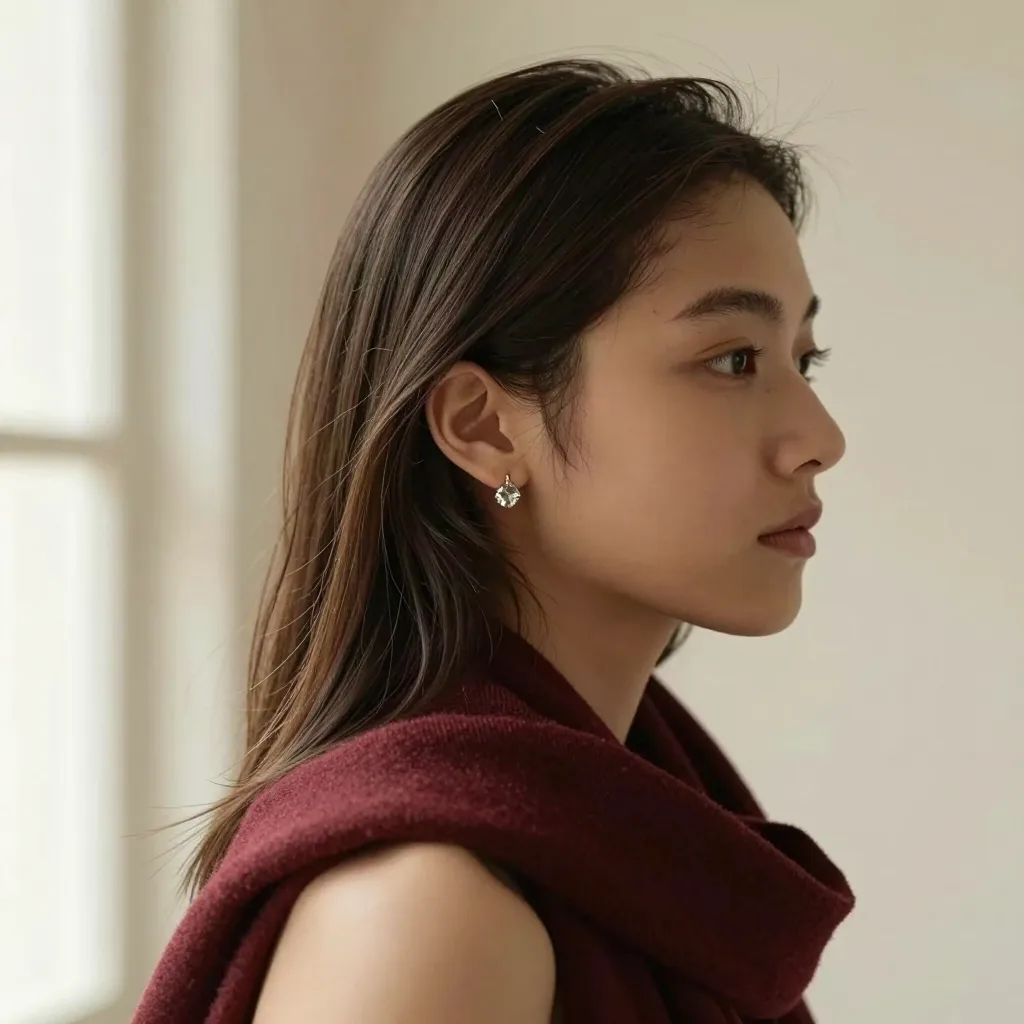
Études de personnages et portraits de style éditorial, lumière et ambiance maîtrisées.
Variantes pubs et réseaux sociaux
Déclinez un rendu produit en nouveaux cadrages et arrière-plans pour chaque canal.
Concept art
Paysages, personnages et frames d'ambiance pour explorer une direction avant de vous engager.
Flux 3
FAQ Flux 3
Les réponses avant d'ouvrir le générateur.
Qu'est-ce que Flux 3 ?
Flux 3 est la famille de modèles multimodaux de Black Forest Labs, annoncée en juillet 2026 ; son modèle image, FLUX 3 Image, a commencé son déploiement en octobre 2026. Sur Flux 3 Image, vous générez des images fixes dans le navigateur : décrivez une scène et recevez une image.
Quelle est la différence entre FLUX 3 Image et FLUX 3 Image Klein ?
FLUX 3 Image est le modèle d'image phare de la génération FLUX 3. FLUX 3 Image Klein, publié le 15 octobre 2026, en est le petit membre à poids ouverts : un transformer d'image de 5,6 B de paramètres avec un encodeur de texte Qwen3-VL-4B-Instruct, où un seul modèle génère à partir de texte et retouche les images. Klein accepte officiellement jusqu'à 10 images de référence et des bounding boxes sur une grille 0–1000 ; la version distillée tourne en 16 étapes sans guidance, la version base en 50 étapes avec guidance 3.5, sous licence FLUX Kommunity License (source : fiche modèle et annonce de Black Forest Labs). Ce site génère avec FLUX 3 Image.
Puis-je essayer Flux 3 gratuitement ?
Oui. L'inscription ajoute des crédits de démarrage gratuits, de quoi générer vos premières images. Les offres payantes ajoutent plus de crédits et un traitement prioritaire.
Flux 3 peut-il mettre du texte lisible dans une image ?
Les titres courts et les étiquettes fonctionnent le mieux. Mettez le texte exact entre guillemets dans votre prompt et vérifiez l'orthographe avant de publier.
Puis-je téléverser une photo de référence ?
Oui. Joignez une photo de produit, de personne ou de style au champ de prompt : Flux 3 s'en sert pour guider le rendu.
Puis-je utiliser les images à des fins commerciales ?
L'usage commercial est couvert par les offres payantes — voir les Conditions pour les détails.
Puis-je télécharger Flux 3 ou l'exécuter en local ?
Black Forest Labs a annoncé une version open-weight de Flux 3 Dev. Flux 3 Image fonctionne entièrement dans le navigateur — rien à installer.
Flux 3 fait-il des vidéos ?
Un modèle FLUX 3 Video existe chez Black Forest Labs ; ce site se concentre sur les images fixes.
Comment écrire un meilleur prompt Flux 3 ?
Commencez par le sujet, puis le décor, la lumière et l'objectif ou le médium. Mettez tout texte visible entre guillemets. La page des prompts et le guide montrent des exemples concrets.
Que se passe-t-il si une génération échoue ?
Si une génération échoue, les crédits de cette tentative sont automatiquement recrédités sur votre solde.
Flux 3
Tarifs
Commencez gratuitement, puis choisissez l'offre adaptée à votre volume de création.
Créez votre première image Flux 3
Un seul prompt suffit. Ouvrez le générateur et voyez ce qu'il renvoie.